


Anime has always held a unique place in the hearts of global audiences. From vibrant character designs and hand-drawn backgrounds to intricate action sequences, anime storytelling relies heavily on its visual presentation. However, many classic anime series and films were created decades ago, often at standard definition or early HD resolutions. Watching these gems on today’s 4K TVs and monitors sometimes leads to disappointment—blurry outlines, faded colors, and visible pixelation.
That’s where AI anime upscale technology comes in. With the power of artificial intelligence, it’s now possible to upscale anime to 4K and enjoy a sharper, cleaner, and more vibrant viewing experience without sacrificing the original artistic style. Among the leading solutions in this field is UniFab Video Upscaler AI, which has rapidly gained recognition as one of the most effective tools for anime enthusiasts.
In this comprehensive guide, we’ll cover everything you need to know about anime upscaling—why it matters, how AI works in this context, and step-by-step instructions on how to upscale anime to 4K using UniFab Video Upscaler AI.
Table of Contents
Why Upscale Anime?
Many anime fans wonder: if a show was originally drawn in a lower resolution, does upscaling really make a difference? The answer is a resounding yes. Here’s why:
- Preserving Details – While old anime may not have been produced in 4K, the original artwork often contains more detail than what early digital formats could display. AI-driven upscaling helps reveal these hidden details.
- Modern Display Compatibility – Watching a 480p or 720p anime on a large 4K television can make flaws glaringly obvious. Upscale anime to 4K ensures your viewing matches the screen’s capability.
- Improved Colors and Line Art – Anime relies heavily on crisp outlines and vibrant hues. AI upscaling restores sharp edges and enhances colors without over-smoothing.
- Archival Value – For collectors and archivists, AI anime upscale ensures that classic titles remain watchable for future generations in modern formats.
Traditional Upscaling vs. AI Upscaling
Before AI, anime upscaling was limited to interpolation and pixel stretching. This often resulted in:
- Jagged edges on character outlines
- Blurry backgrounds
- Loss of fine details in motion scenes
- Artificial “plastic-like” look
In contrast, AI upscale anime technology uses deep learning trained on thousands of frames to understand line art, shading, and motion. Instead of guessing, the AI intelligently fills in missing details and refines existing ones. This allows fans to enjoy their favorite anime in a way that feels close to native 4K production.
Why UniFab Video Upscaler AI is the Best Choice for Anime
Not all video upscalers are built equally—anime presents unique challenges. Unlike live-action video, anime often includes flat colors, thin outlines, and exaggerated movements. Many general-purpose upscalers either over-sharpen or blur out these crucial stylistic elements.
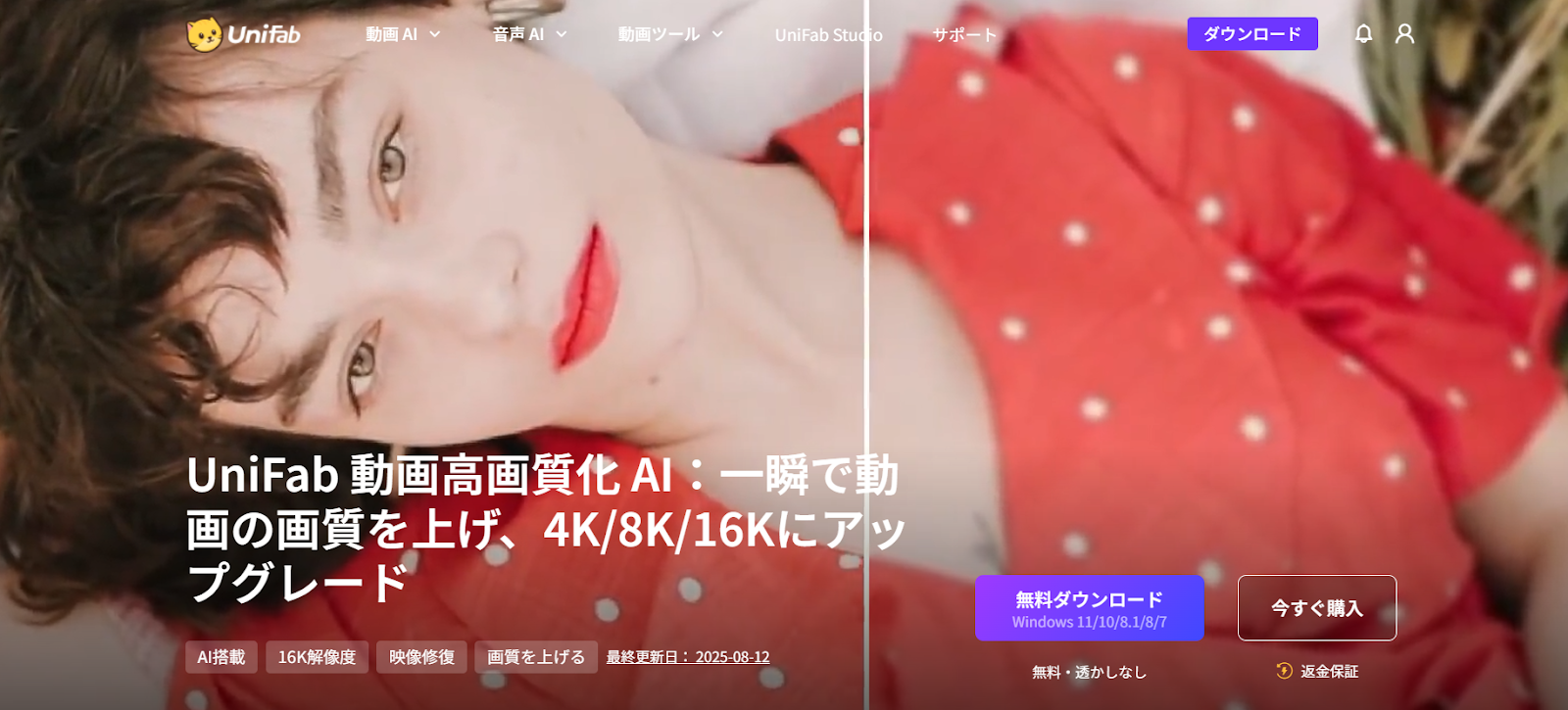
UniFab 動画高画質化 AI (UniFab Video Upscaler AI)stands out because it is fine-tuned to handle animation content effectively. Here’s why it’s regarded as one of the best tools to AI upscale anime:
- Dedicated AI Model for Animation: UniFab’s algorithms recognize anime-specific elements such as character outlines, color gradients, and texture patterns.
- True 1080p to 4K Upscaling: The software reconstructs frames with added detail rather than stretching pixels.
- Noise Reduction Without Over-Smoothing: Old anime transfers often suffer from digital noise. UniFab removes noise while keeping line art crisp.
- Batch Upscaling: Anime series often include dozens or even hundreds of episodes. UniFab lets you process multiple files simultaneously.
- High-Speed Processing with GPU Acceleration: Optimized for fast rendering, UniFab allows users to upscale full-length anime episodes quickly.
- User-Friendly Design: Even for beginners, the interface makes it simple to learn how to upscale anime with just a few clicks.
Step-by-Step: How to Upscale Anime to 4K with UniFab Video Upscaler AI
If you’ve ever asked yourself how to upscale anime to 4K, the process with UniFab is straightforward. Here’s a complete walkthrough:
Step 1: Download and Install UniFab
Head to the official UniFab Video Upscaler AI page and download the software for your operating system. Install it following the on-screen instructions.
Step 2: Import Your Anime Files
Launch the program and load your anime episodes or films. UniFab supports a wide range of formats, including MP4, MKV, AVI, and MOV.
Step 3: Select AI Upscaling Mode
Choose the AI Upscale Anime to 4K option. This ensures the software applies its deep-learning model specifically tuned for animation.
Step 4: Start the Upscaling Process
Click “Start” and let UniFab work its magic. GPU acceleration will dramatically speed up rendering if your system supports it.
Comparing UniFab with Other Anime Upscalers
While there are several tools that claim to AI upscale anime, UniFab consistently outperforms them in key areas:
- Built-in TV Upscalers: These offer only generic enhancements and often create artifacts in animation. UniFab delivers far superior results.
- Free Online Upscalers: Many free services have file size restrictions, slower speeds, or watermarks. UniFab provides professional-quality output with no limitations.
- Professional Editing Software: Tools like Adobe After Effects offer manual scaling, but require extensive expertise. UniFab automates the process while maintaining top quality.
Common Questions About AI Anime Upscale
- Can AI upscale anime really look like native 4K?
While it cannot perfectly replicate native 4K production, AI-enhanced anime comes impressively close, offering a dramatic improvement over standard HD.
- Is it legal to upscale anime I don’t own?
You should only upscale anime that you have legally purchased or have the rights to use.
- How long does it take to upscale an episode?
Processing time depends on your system’s GPU power. With hardware acceleration, most 24-minute episodes can be upscaled in under an hour.
The Future of AI Anime Upscaling
As technology advances, we can expect AI models to become even better at interpreting line art, shading, and animation-specific details. Soon, we may even see AI tools capable of automatically colorizing black-and-white anime or restoring damaged frames.
For now, the most practical application remains upscaling anime to 4K, and UniFab Video Upscaler AI is at the forefront of this innovation. With its balance of power, speed, and ease of use, it’s already helping anime fans worldwide transform their viewing experiences.
Final Thoughts
Anime deserves to be experienced in the best quality possible. Whether you’re rediscovering classics, preserving your digital collection, or simply looking to enjoy sharper, more detailed visuals, AI anime upscale technology provides the perfect solution.
With its specialized AI model for animation, streamlined workflow, and professional-grade results, UniFab Video Upscaler AI has established itself as the top choice for fans wondering how to upscale anime to 4K.
If you’ve been holding onto old DVDs or HD files of your favorite series, now is the perfect time to give them new life in stunning 4K. Thanks to UniFab, 動画の画質を上げる(the transition from classic resolution to ultra-high definition)is easier than ever.
